Productivity tools · Web app · Live site
DocsFast
Fifteen document converters that run entirely in the browser — Markdown, Word, PDF, CSV and more — with a fidelity report and no uploads.
- Client
- DocsFast
- Sector
- Productivity tools
- Build
- Web app
- Delivered
- Tool UX · Browser-side conversion · Responsive build
The problem.
Converting a document usually means handing a private file to a server you cannot see, then finding out what broke after it comes back. The product had to convert real files without the upload, and say honestly what survived the conversion.
What we did.
Moved the conversion into the browser
Files are read and written on the visitor's own machine, so the privacy claim is a fact about the architecture rather than a policy paragraph.
Replaced the promise with a report
Each conversion returns a short fidelity report naming what was preserved and what was dropped, which is the part other converters never mention.
Put all fifteen tools on one page
Every conversion is reachable from the homepage in one click, with the common ones promoted and the rest listed rather than hidden behind a menu.
Where it landed.
Live and running in the browser with no upload step and no account required.
The build, as it runs.
Screenshots taken from the live deployment at 1440px wide, at four points down the page. Nothing staged.
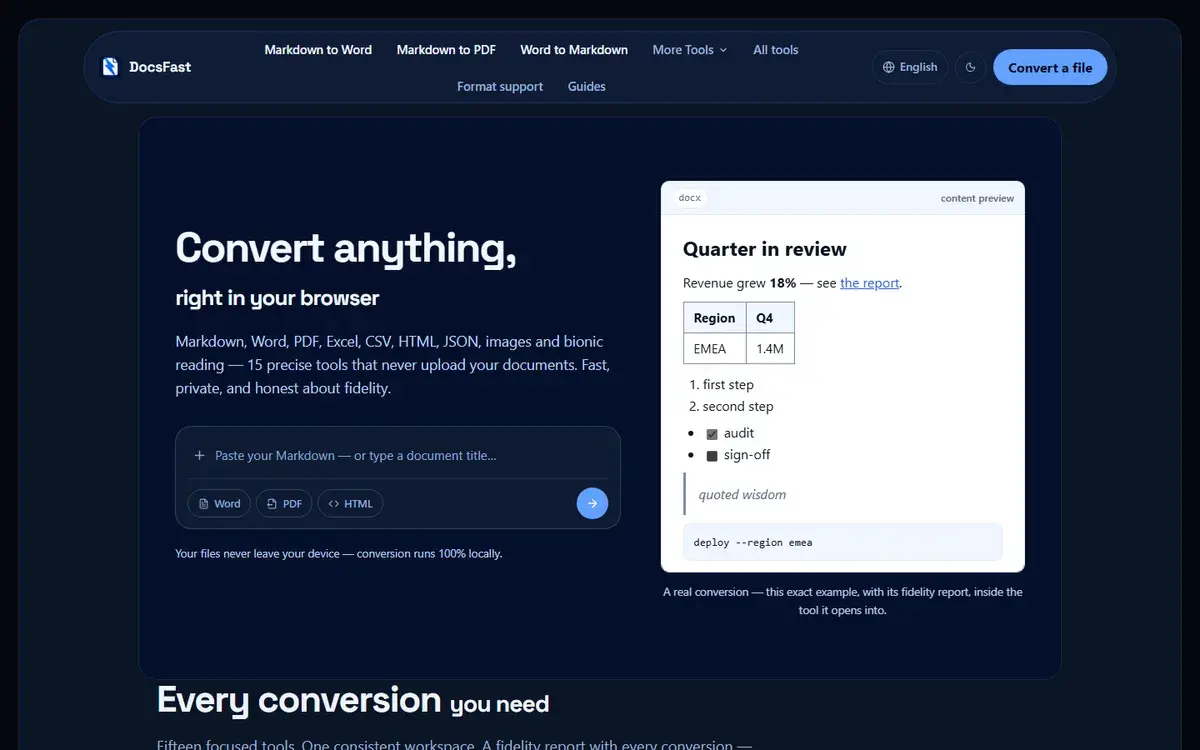
Homepage — a live conversion running in the hero 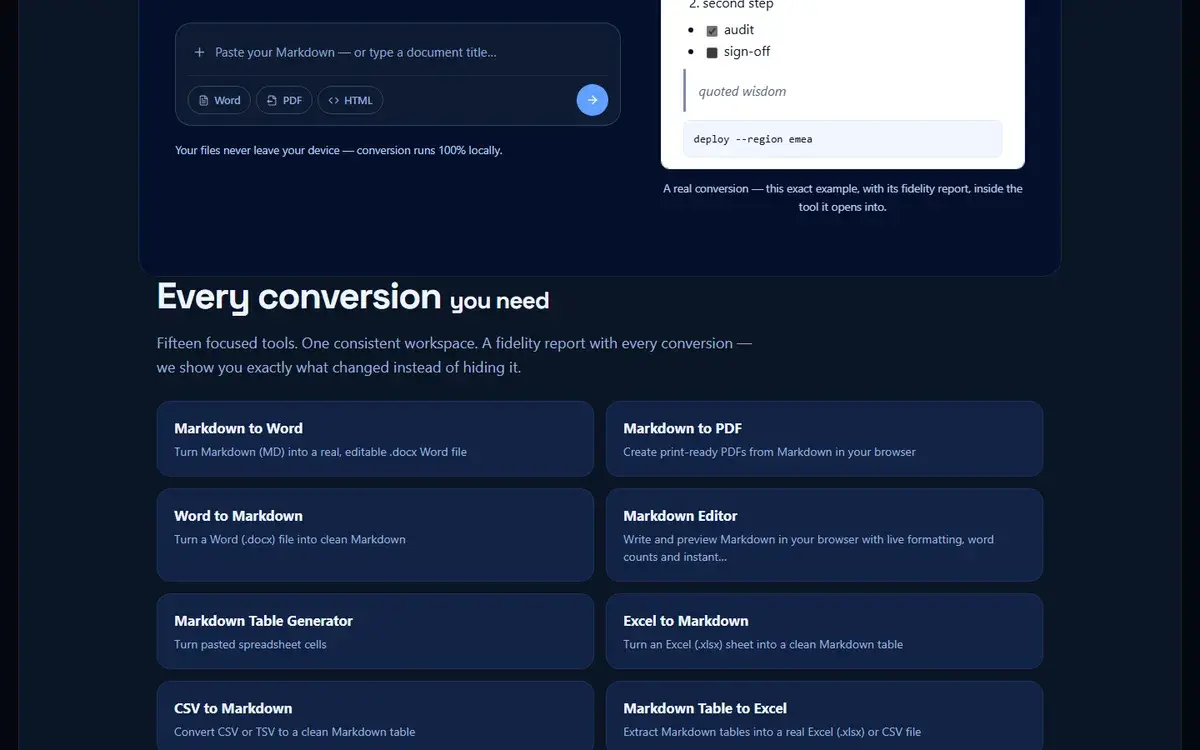
All fifteen conversions listed on one page 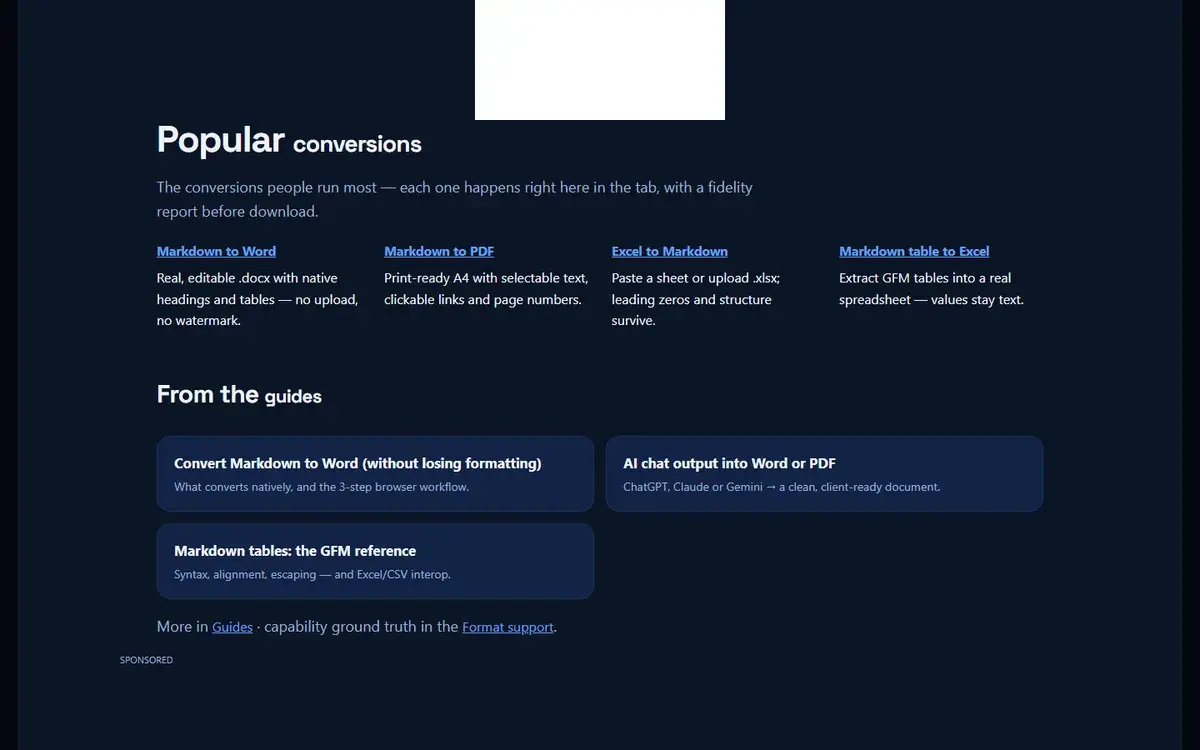
Popular conversions, each with a route to the tool 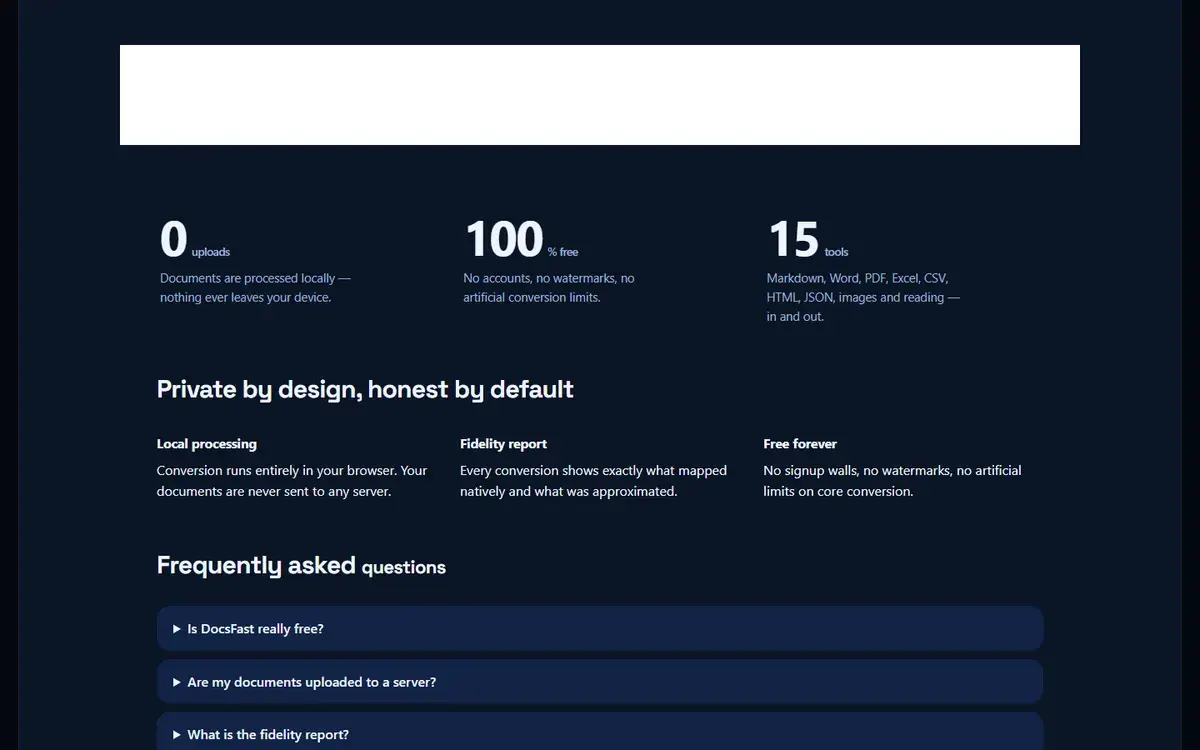
Privacy behaviour spelled out before sign-up
Next.
All work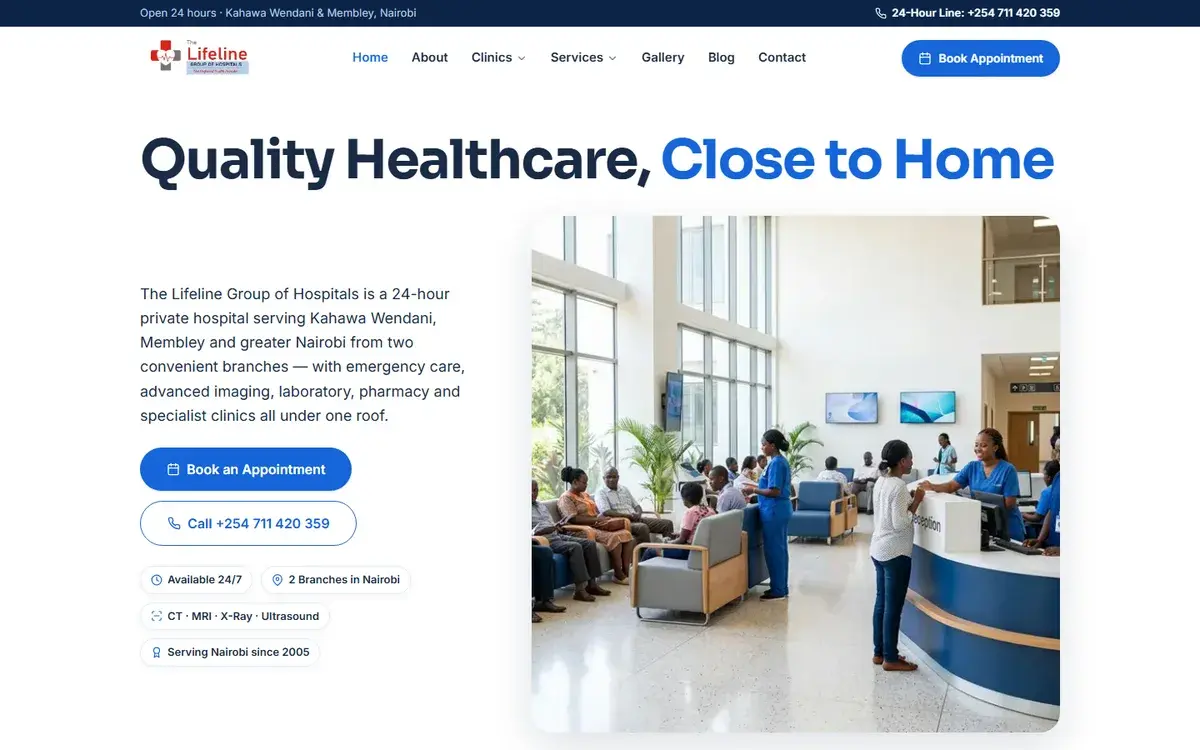
Lifeline Group of Hospitals
A 24/7 private hospital site for two Nairobi branches, covering emergency care, imaging, specialists, branch details and appointment requests.
Read the case study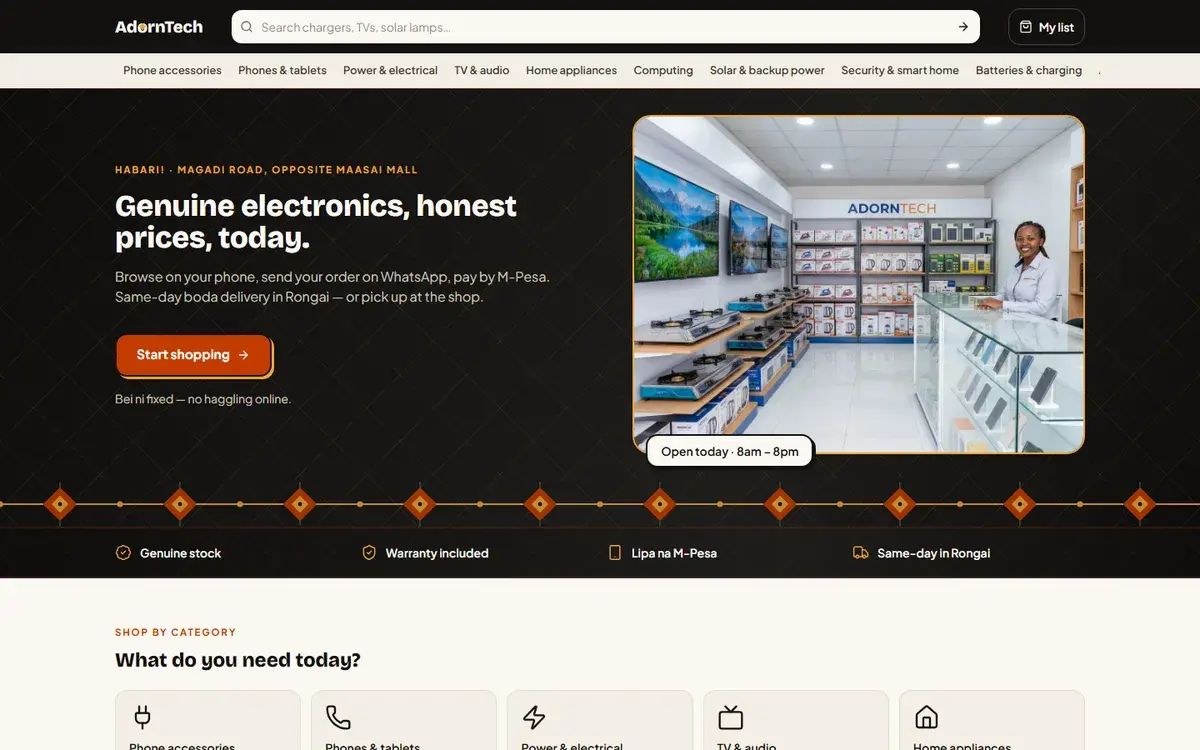
AdornTech
An electronics storefront for Ongata Rongai: a browsable catalogue, WhatsApp ordering, M-Pesa payment and same-day delivery.
Read the case study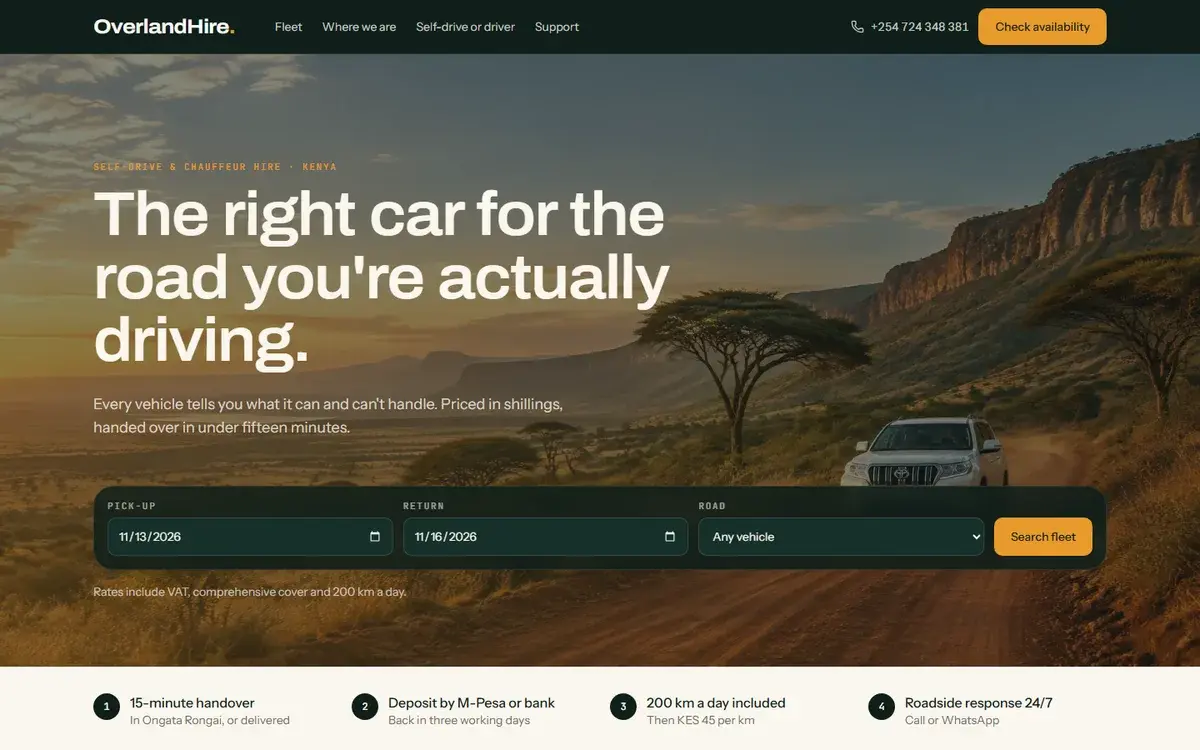
OverlandHire
Self-drive and chauffeur hire with plain-KES pricing, a fleet search and a 15-minute handover promise.
Read the case study